


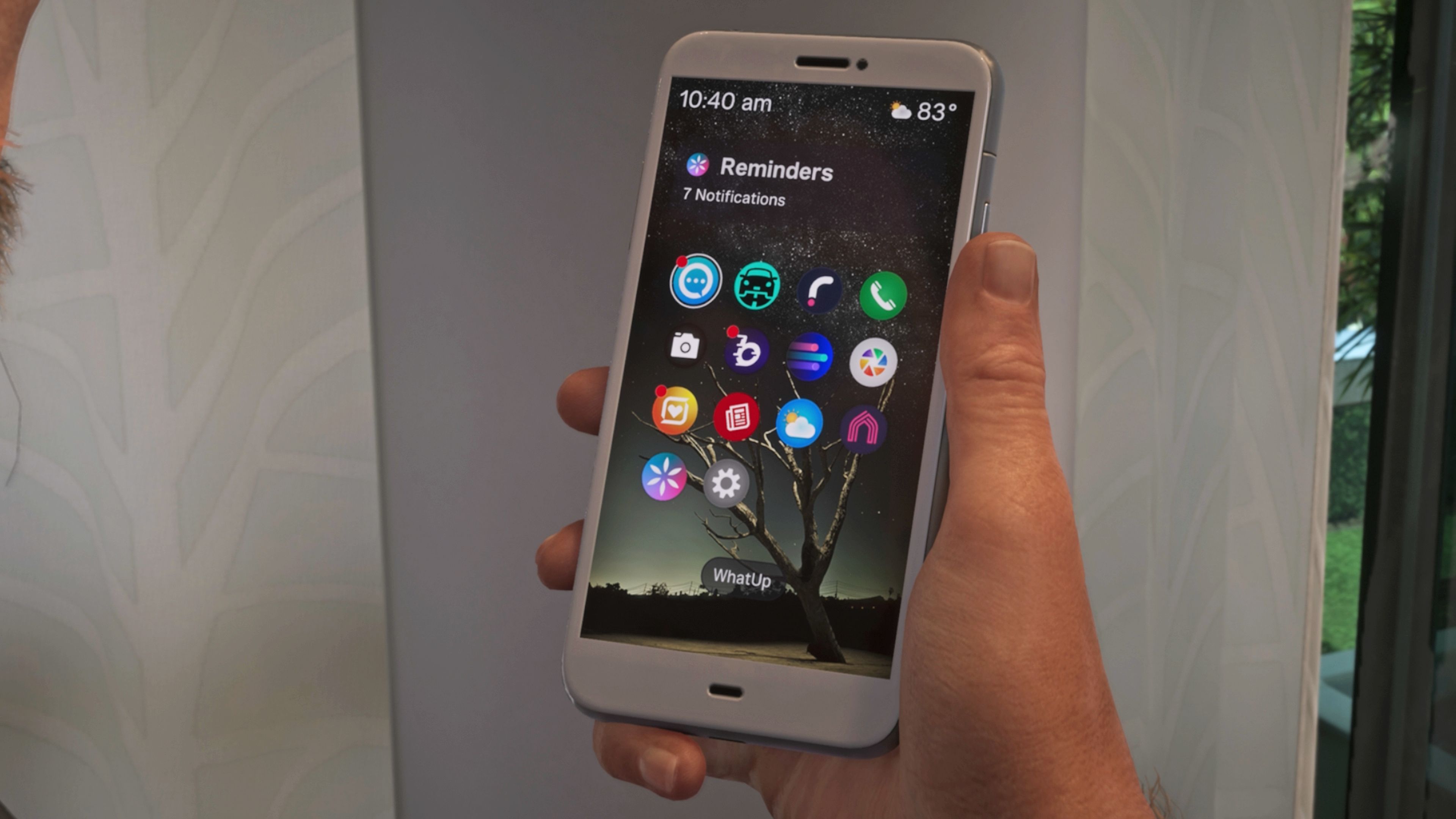
Grand Theft Auto 6 includes an in-game smartphone that lets players interact with the world, access missions and tips, and use a set of apps with different purposes. The outlets explain how the phone is accessed via the controller’s D-pad and how players navigate the apps menu to open specific features.
Polygon highlights the practical “how to” side, focusing on the process of using the phone and unlocking new apps. GameSpot provides a broader walkthrough of the smartphone’s app lineup in Leonida, detailing what players can do with each app and what kinds of notifications or functions matter. Its list includes tools for activities like inspecting vehicles, summoning a ride, messaging characters for information without speaking, taking and viewing photos, and using fitness-related features. The two sources align on the smartphone being a central utility in GTA 6, with the difference mainly in emphasis: Polygon leads with the usage and unlocking workflow, while GameSpot leads with the full app-by-app rundown.


