
Multiple sources describe practical slicer adjustments that can lower filament consumption on 3D prints. The guidance focuses on changing common print and model parameters rather than redesigning parts from scratch. Recommended areas include tuning layer height to balance detail and material use, adjusting infill density and pattern to reduce internal material, and selecting the number and thickness of perimeters/walls so outer structure remains strong without unnecessary bulk. Sources also emphasize reviewing top and bottom layer counts to avoid overbuilding, since excessive surfaces can increase material consumption. Additional savings are attributed to enabling or optimizing support structures—using fewer supports where possible, adjusting overhang thresholds, and choosing support types that use less material. Finally, sources note that slicers often provide settings for reducing wasted “travel” material and for optimizing print speed/flow so material is used efficiently. Overall, the recommendations aim to achieve the desired strength and appearance while minimizing unnecessary filament, with results varying by printer, material, and part design.
3D printing slicer settings highlighted to reduce filament use
Multiple sources describe practical slicer adjustments that can lower filament consumption on 3D prints. The guidance focuses on changing common print and model parameters rather than redesigning part...
1 sources
2 hours ago
1 views
Key Points
- Slicer settings can reduce filament usage without changing the overall goal of the print.
- Common recommendations include tuning layer height and top/bottom surface layers.
- Infill density and infill pattern are adjusted to reduce internal material while maintaining strength.
- Perimeter/wall settings are reviewed to avoid extra outer material.
- Support structures and their thresholds are optimized to minimize wasted material.
How Outlets Covered This Story
MAK
MakeUseOf
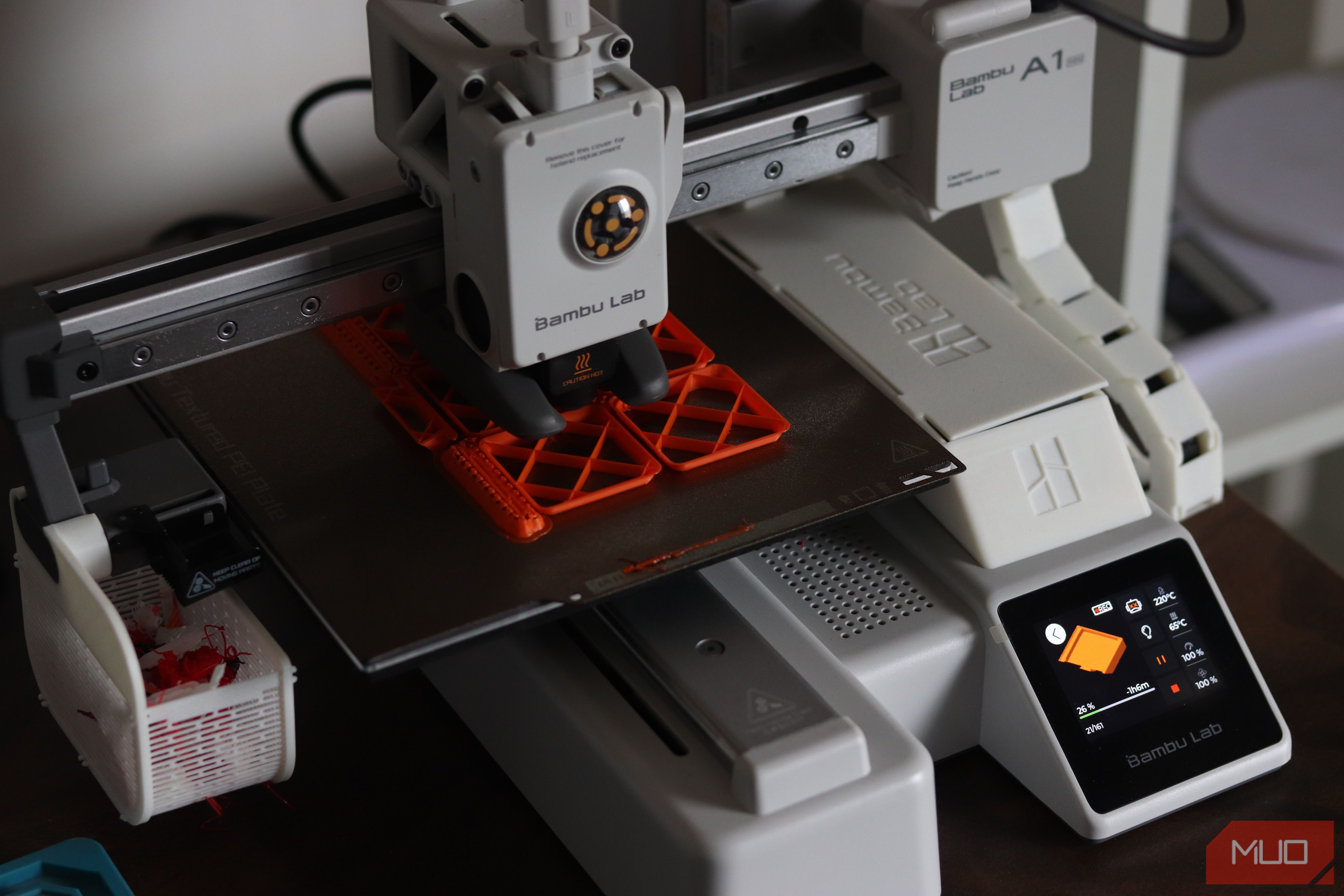
6 slicer settings that save me filament on every 3D print
Your spool will thank you.
4 hours ago
MAK
MakeUseOf
6 slicer settings that save me filament on every 3D print
Your spool will thank you.
4 hours agoRelated Stories

No story details provided in the submitted sources
The provided inputs contain only placeholders (“Here’s the latest.”) and do not include any article text, reported facts...
6 sources
2 months ago

Debate grows over whether flirting with AI companions counts as cheating
Across multiple outlets, the discussion centers on a growing use of AI “romantic companions”—digital agents that can cha...
2 sources
21 hours ago

Sysdig reports JADEPUFFER, AI agent that carries out end-to-end ransomware attack
Security firm Sysdig says it has documented what it believes is the first ransomware operation run end to end by an AI a...
8 sources
5 days ago