

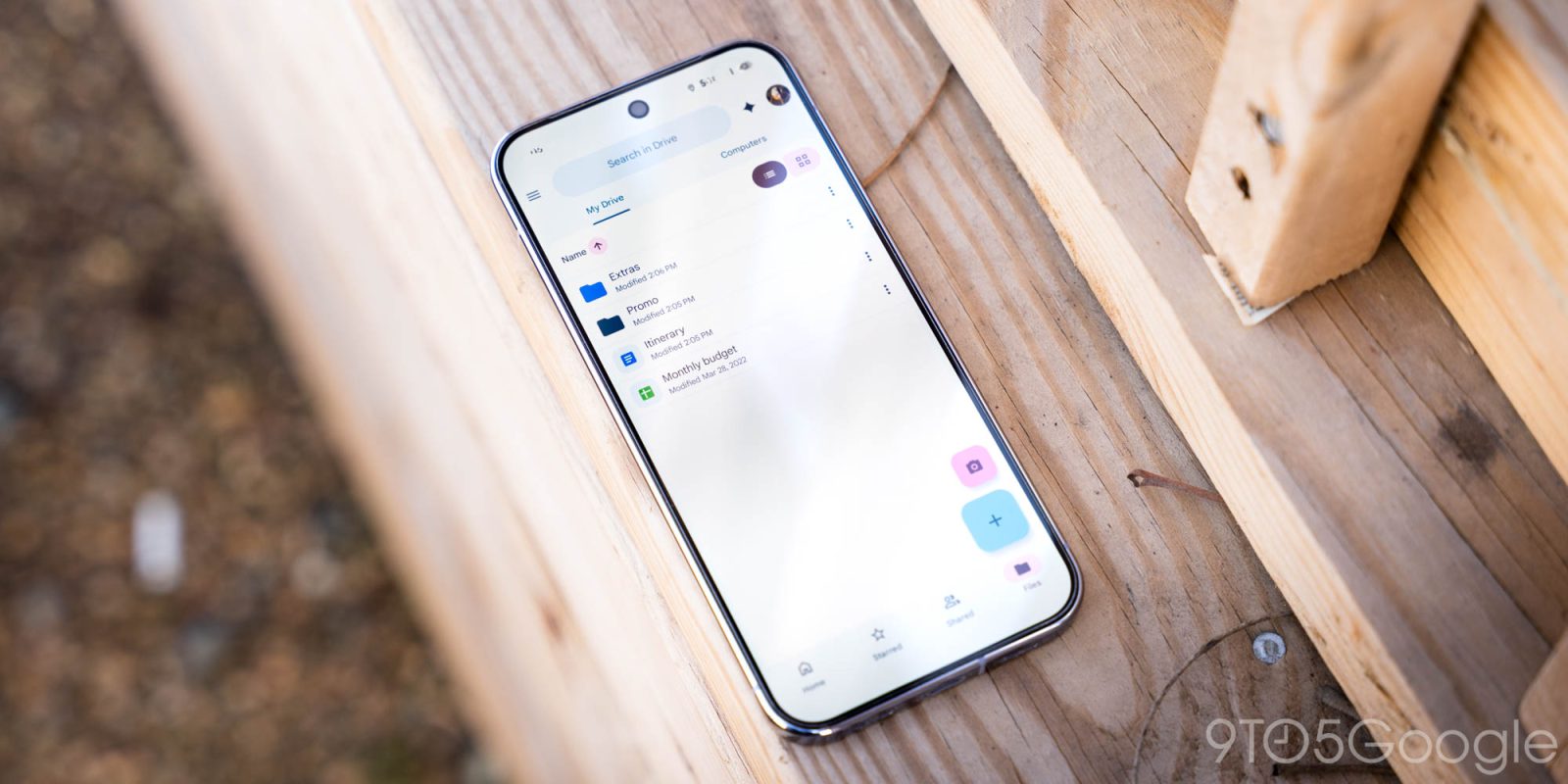
Google is rolling out a new Android “Documents” backup feature that automatically saves certain files from a user’s phone or tablet to Google Drive. Android Authority and 9to5Google report that, after setup, a new backup folder appears in Google Drive. This folder is used to store backed-up documents and other relevant items such as files and downloads captured on the device.
The feature is designed to reduce manual uploading by letting the phone or tablet handle the backup and syncing process. Once enabled, users find their backed-up items in the designated “Documents” backup area within Google Drive, rather than needing to select individual files for upload.
The rollout is described as gradual, meaning access may appear for users over time depending on device and update availability. The exact set of what gets backed up and how users enable or manage the setting is determined through the Android backup and Google Drive configuration during setup.