

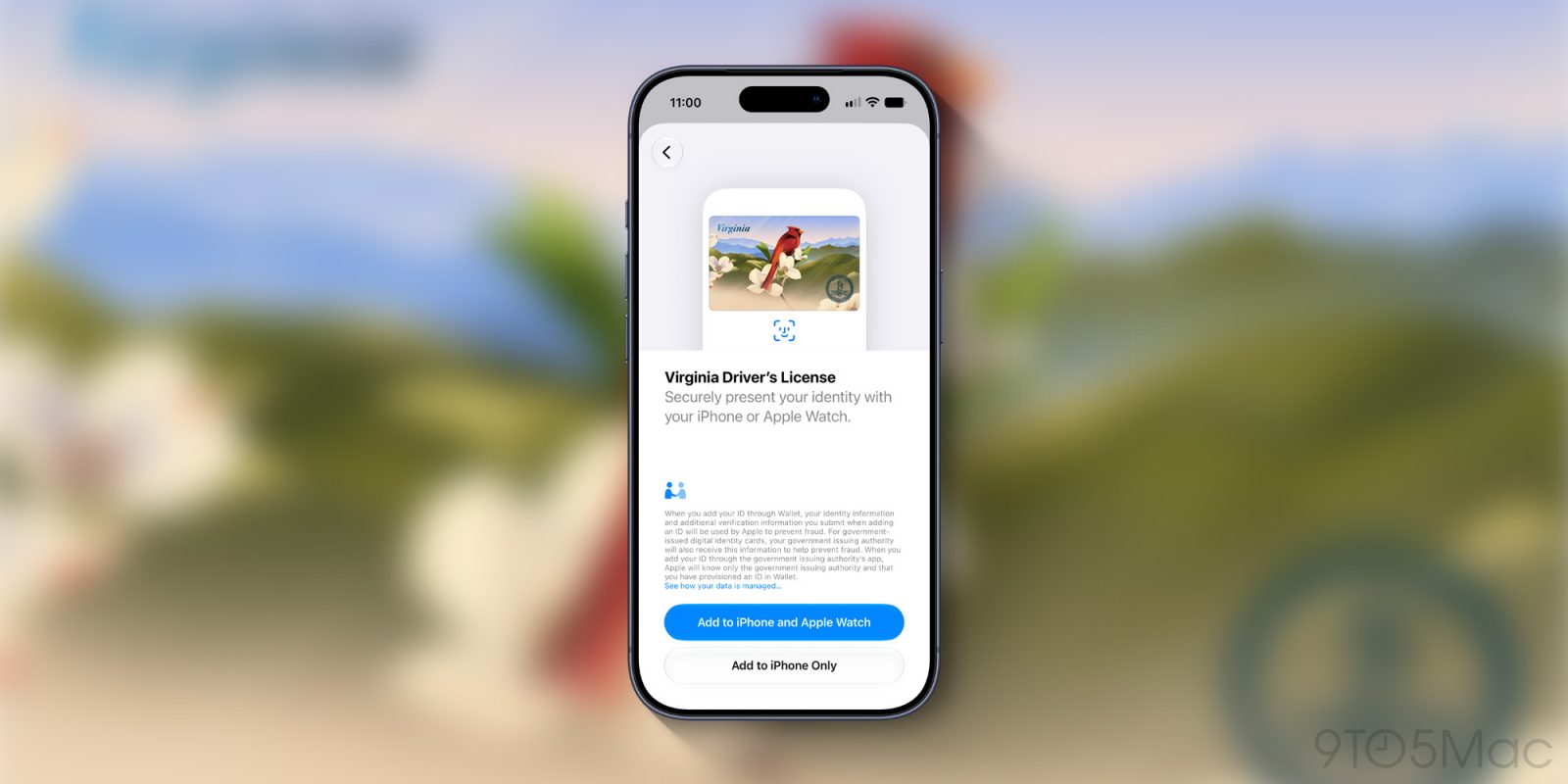
Apple is expanding support for digital driver’s licenses in Apple Wallet, with Virginia and Oklahoma adding the feature on different launch dates. In both states, people can store a digital version of their state ID on an iPhone or Apple Watch and present it at locations that support Apple Wallet IDs.
Across the outlets, the core setup process is consistent: users open the Wallet app, select “Driver’s License” or “State ID,” choose their state, and complete verification steps that include taking photos of the physical ID and matching a selfie to the stored record. Once added, users can present the credential by tapping their iPhone or Apple Watch on an identity reader, and the specific information requested is shown only after biometric authentication (Face ID or Touch ID).
The reporting also agrees on limitations. Acceptance remains limited to selected TSA checkpoints at airports and a small number of participating businesses and apps, while digital IDs generally are not accepted by law enforcement for traffic stops. Apple’s rollout continues state by state, with multiple states already supported and additional locations referenced as planned for later.