


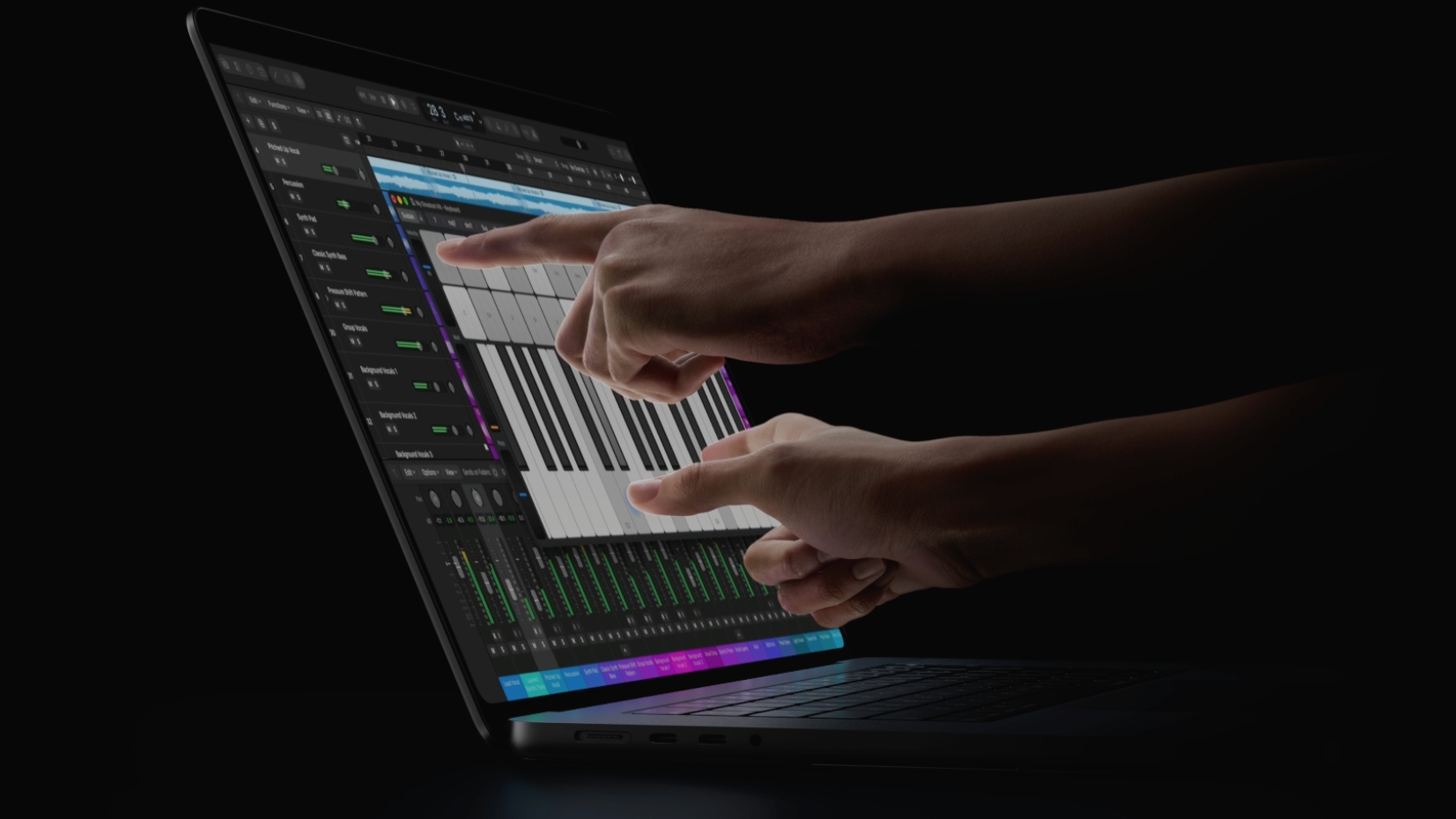
Apple’s new MacBook Pro with PROLED XDR includes touchscreen support, a notable change given Apple’s past focus on non-touch, indirect input on Mac. MacRumors notes that Apple leaders previously argued that touch was not well suited to the Mac’s use patterns, including comments from Steve Jobs in 2010 and John Ternus in 2021 about designing the Mac for indirect input.
For users who prefer not to use the touchscreen, both outlets explain that macOS offers a way to ignore touch input. The MacRumors guide says the setting is accessible through System Settings, under Accessibility, in the “Physical and Motor” section, where users can toggle an option to ignore touch gestures. It also reports that the same setting applies to Sidecar, where an iPad is used as a second display. 9to5Mac likewise focuses on how to customize or disable the touchscreen feature, framing the instructions around turning it off for those who do not want it.
Overall, coverage centers on the same practical takeaway: the touchscreen can be disabled or ignored at the system level, including when using Sidecar.