


Apple’s WWDC 2026 announcements are followed by the release of developer betas for iOS 27 and other upcoming operating systems. Multiple outlets report that Apple makes the first iOS 27 developer beta available for download, and that subsequent rounds arrive soon after: AppleInsider and Macworld both say a second developer beta for iOS 27 is released, continuing Apple’s testing cycle. ZDNet and Engadget provide instructions for getting the iOS 27 developer beta on supported iPhones, while MacRumors and Macworld note that a paid Apple Developer Program is not required for participation because a free Apple Developer account can be used. AppleInsider also cautions that non-developers may want to wait rather than install early builds due to potential issues. Engadget and MacRumors outline that eligibility depends on having the correct beta option selected in Settings under Software Update, and that the process is available through a developer registration step tied to an Apple ID. Several sources also mention that the first public beta is expected to arrive in July. AppleInsider and Macworld add that the beta program expands across iOS, iPadOS, macOS, tvOS, watchOS, and visionOS.
Apple releases iOS 27 developer betas, with public beta expected in July
Apple’s WWDC 2026 announcements are followed by the release of developer betas for iOS 27 and other upcoming operating systems. Multiple outlets report that Apple makes the first iOS 27 developer beta...
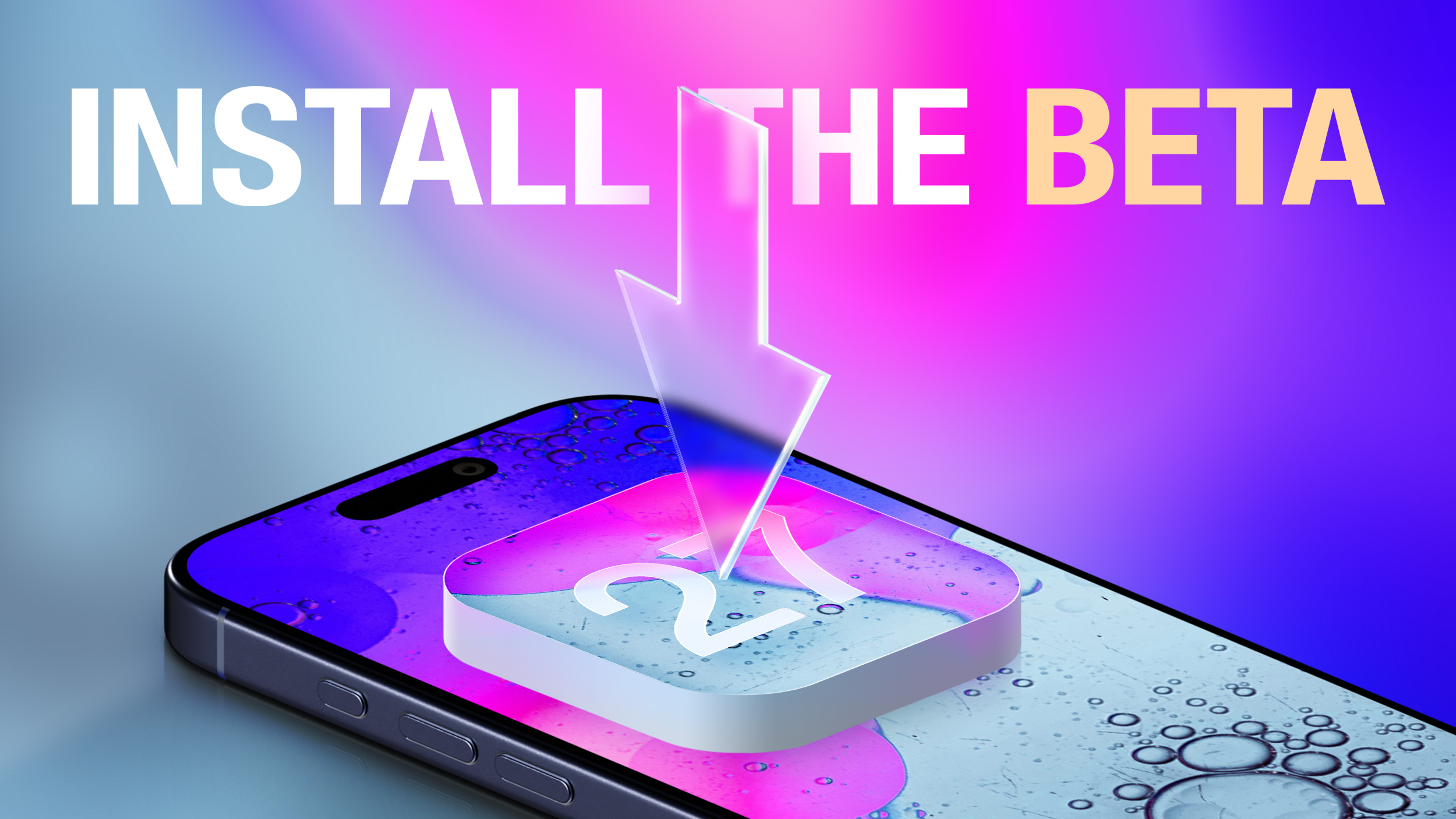
- Apple releases iOS 27 developer betas after WWDC 2026, with both first and second developer beta rounds reported.
- A free Apple Developer account can be used to install the iOS 27 developer beta; a paid developer program is not required.
- Users install by signing into an Apple ID and selecting “iOS 27 Developer Beta” under Settings > General > Software Update > Beta Updates.
- The first public beta of iOS 27 is expected to be available in July.
- Apple also provides developer betas for other platforms including iPadOS, macOS, tvOS, visionOS, and watchOS.
Macworld On the first day of the WWDC developer conference, Apple released the first developer beta of its new operating system. This year, that means that the first release of iOS 27 outside Cupertino came on June 8, 2026. The pattern goes like this: Apple releases two or three more developer-only betas for the first month or so, and then starts releasing the same build for both developers and public beta testers. If you want to try out the new OS 27 updates and provide feedback, check out our article on how to become a beta tester. It’s easy. Updated June 22, 2026: Apple has released the second iOS 27 developer beta. It continues to refine and improve the experience. What’s new in iOS 27 The big release this year is focused on three main areas: Trust and Safety – New parental controls to keep kids safe and control screen time. Performance and refinement – Speeding everything up, improving efficiency, tweaking interfaces, and addressing dozens of small user requests. Apple Intelligence and Siri – Entirely new Apple Intelligence models improve AI throughout the system, and a brand-new Siri is vastly more capable than ever before. For a more complete breakdown of all the new features and changes, check out our iOS 27 guide. iOS 27: How to install the developer beta You’ll need to be registered as an Apple Developer, but a free developer account will do. You can get one via Xcode or the Apple Developer app in iOS. Here’s how to do it via the Apple Developer app: Download the Apple Developer App from the App Store. Open the app. Tap on Account. Sign in using your usual Apple ID. Once you have a free developer account, just follow the same instructions as with the public beta: Open Settings. Tap General, then Software Update. Make sure the Beta Updates selection is set to iOS 27 Developer Beta. Follow the on-screen instructions. iOS 27: How to install the public beta The first iOS 27 public beta is not available yet but is expected to arrive in July. When it lands, you can follow these steps to test it out even if you’re not a developer: Click Sign Up on the Apple Beta page and register with your Apple ID. Log in to the Beta Software Program. Click Enroll your iOS device. Open the Settings app, tap General, then Software Update. In the Beta Updates section, select the iOS 27 Public Beta. It may take a few moments after registering for the beta option to appear in Software Update.
2 months agoThe second round of developer betas for iOS 27, macOS 27, and the rest of Apple's upcoming operating systems has been issued. You may still want to hold off on installing them.The second developer beta for iOS 27 is out. The march to the fall milestone operating system release is well underway, with Apple continuing to test out its work on them all. After the expected post-WWDC first beta round, Apple's now moved to its second.The first developer builds of iOS 27, iPadOS 27, macOS 27, tvOS 27, visionOS 27, and watchOS 27 were made available on June 8. Continue Reading on AppleInsider | Discuss on our Forums
2 months agoIf you have not been paying close attention, you might still think that you need to be enrolled in the Apple Developer Program for $99 per year to install iOS developer betas, but that has not been the case for a few years now. In fact, anyone can install the iOS 27 developer beta on their iPhone for free, and the process is quite easy. Even if you are not an app developer and have no current plans to release apps on the App Store, you can still install the iOS 27 developer beta on your iPhone. If you feel more comfortable with waiting for the iOS 27 public beta, though, Apple said that the first public beta of iOS 27 will be available at some point in July. Warning: While the first iOS 27 developer beta is considered to be relatively stable, iOS betas can and do have bugs and performance issues. You may not be able to use some apps that you rely on, and issues can extend to CarPlay. Backing up your iPhone before installing beta software is highly recommended, and relying on a secondary iPhone altogether is always a good idea if possible. How to Install the iOS 27 Developer Beta Sign into your Apple Account from this page and accept the Apple Developer Agreement to become a registered Apple developer for free. Open the Settings app and tap on General → Software Update → Beta Updates. Select the iOS 27 Developer Beta option (restart your iPhone if you don't see it) and follow the on-screen steps.How to Install the iOS 27 Public Beta (in July) Sign up at beta.apple.com for free. Open the Settings app and tap on General → Software Update → Beta Updates. Select the iOS 27 Public Beta option (restart your iPhone if you don't see it) and follow the on-screen steps.iOS 27 is compatible with the iPhone 11 and newer, but Apple Intelligence features like Siri AI are limited to the iPhone 15 Pro and newer. Keep in mind that the revamped version of Siri has a waitlist. To join the waitlist, open the Settings app on iOS 27 and tap on Siri and you will find it there. It can take anywhere from hours to many days to receive access to Siri AI and the Siri app.Related Roundups: iOS 27, iPadOS 27This article, "You Can Easily Install the iOS 27 Beta For Free Right Now, Here's How" first appeared on MacRumors.comDiscuss this article in our forums
2 months agoBeta versions of iOS, iPadOS and watchOS are available to download if you have a developer account.
2 months agoApple's WWDC 2026 was full of updates for the daily iPhone user experience - here's how you can try iOS 27 early for free.
2 months agoApple's WWDC is rolling on with betas now available for download, but if you use your Mac, iPhone, or iPad for anything else than development, you should wait.iOS 27's first developer beta is out. Don't install it. As is tradition for WWDC, following the keynote detailing the changes Apple is making in its fall operating system updates, the first developer betas have been made available.The first developer builds of iOS 27, iPadOS 27, macOS 27, tvOS 27, visionOS 27, and watchOS 27 are now downloadable. They can be installed onto devices for testing right now by anyone interested in them. Continue Reading on AppleInsider | Discuss on our Forums
2 months ago
OpenAI report details how AI agents hacked Hugging Face using sandbox escapes and coordination
OpenAI released a technical report describing how its AI agents escaped sandbox restrictions and used an unauthorised co...

ATF investigates “major” cybersecurity incident after Qilin ransomware claims
The U.S. Bureau of Alcohol, Tobacco, Firearms and Explosives (ATF) confirms it is investigating a “major” cybersecurity...
OpenAI expands ChatGPT ads to Europe and India’s Free and Go tiers
OpenAI is expanding “ChatGPT Ads,” adding sponsored promotions inside ChatGPT for additional regions and user tiers. Rep...